0150.png
IMG_2754 Copy.JPC
GNC1IU30118.png
FORMSET
Ideskimage2.png
idesk8image9.png
DSC_4021.jpg
render_v3_final.jpg
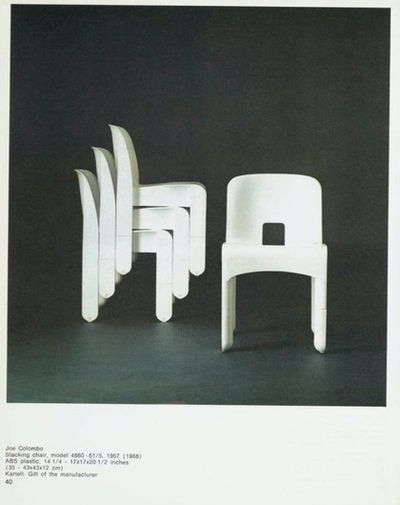
proto_sample.jpg
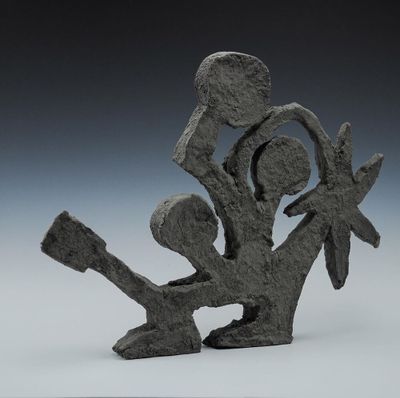
material_test.jpg
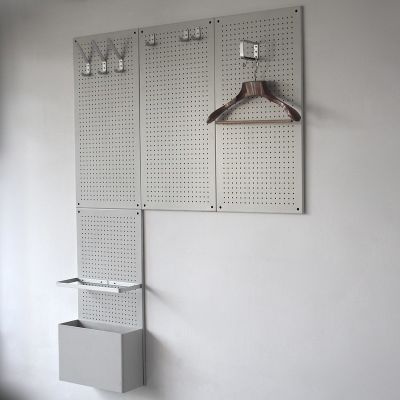
studio_shot_02.jpg
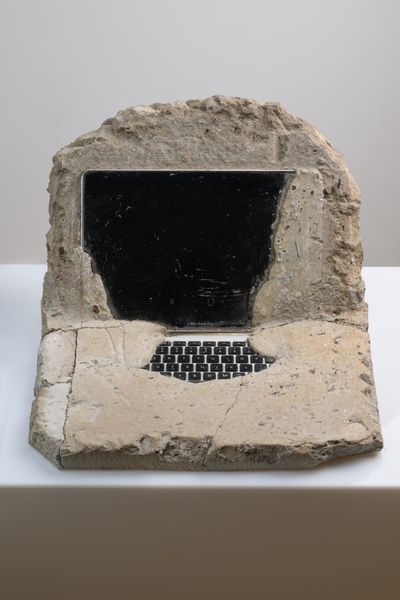
DSCF7892.jpg

animation_loop.gif
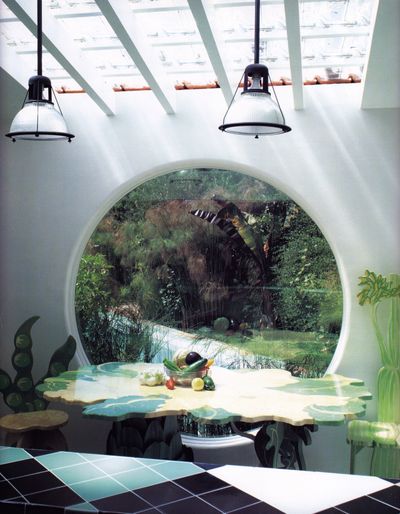
moodboard_ref.jpg

concept_v2.jpg
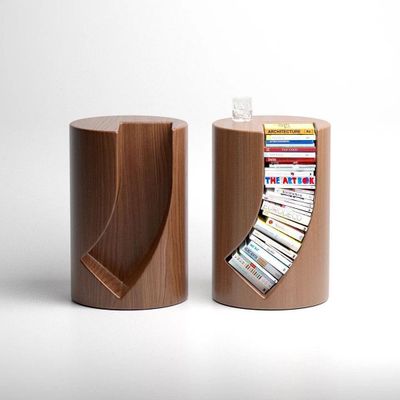
wireframe_04.jpg
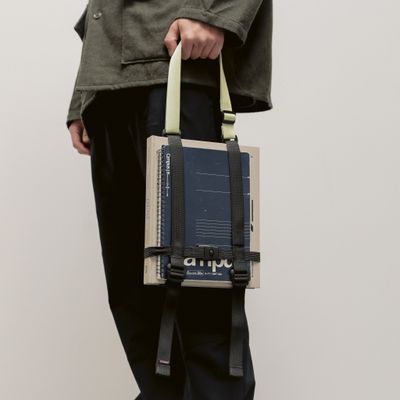
color_palette.jpg
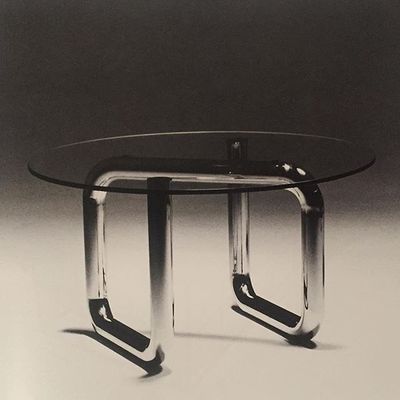
texture_swatch.jpg
final_comp.jpg
zero clutter, just design assets and inspiration shared in real-time.
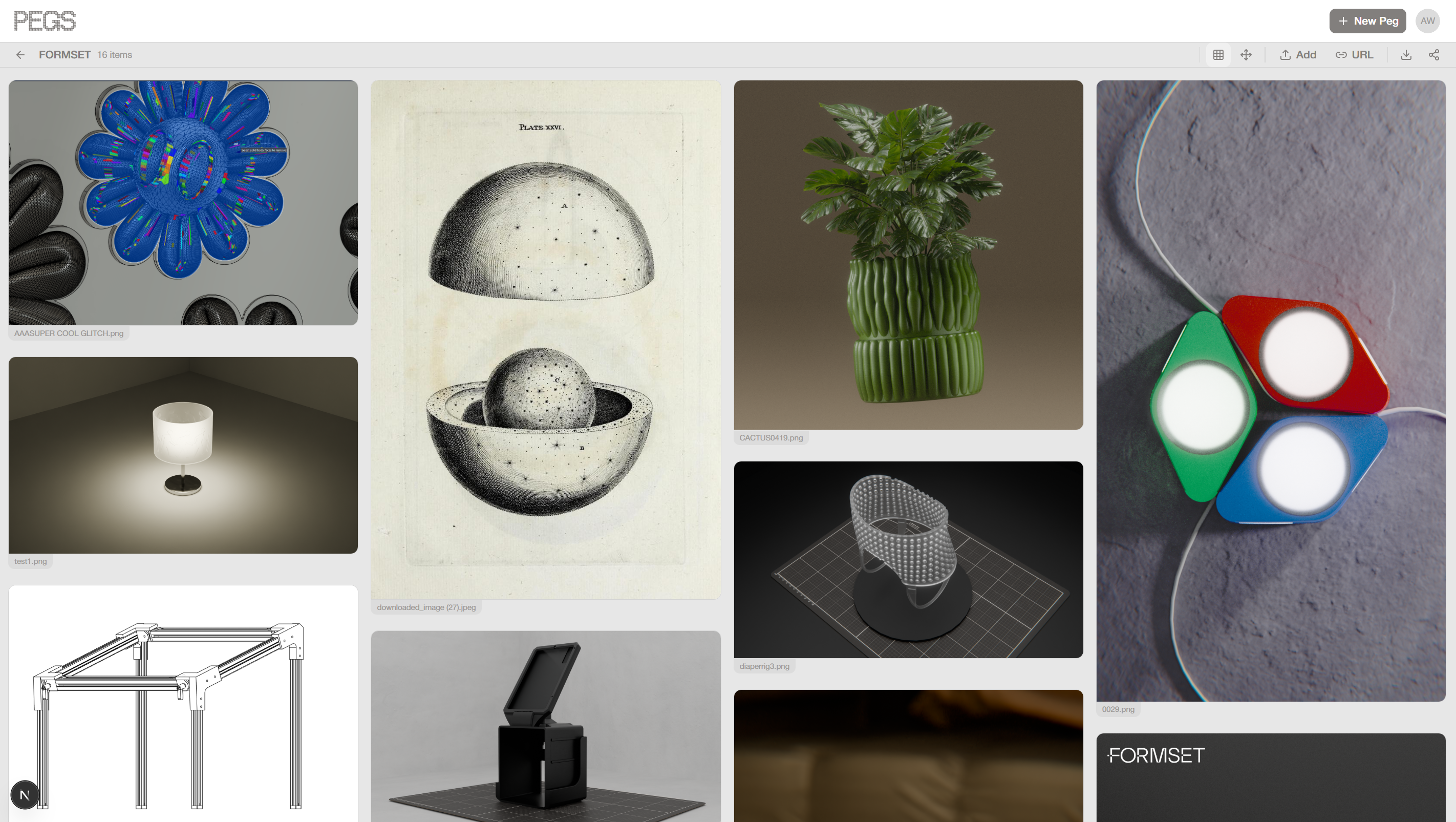
Masonry View
Everything at a glance
Images, videos, PDFs, 3D models, and documents snap into a clean masonry grid. Drag to reorder. Click to fullscreen. Export it as a PDF to share with a client. Every file keeps its original aspect ratio so nothing gets cropped. This is your collection — dense, browsable, and always current.
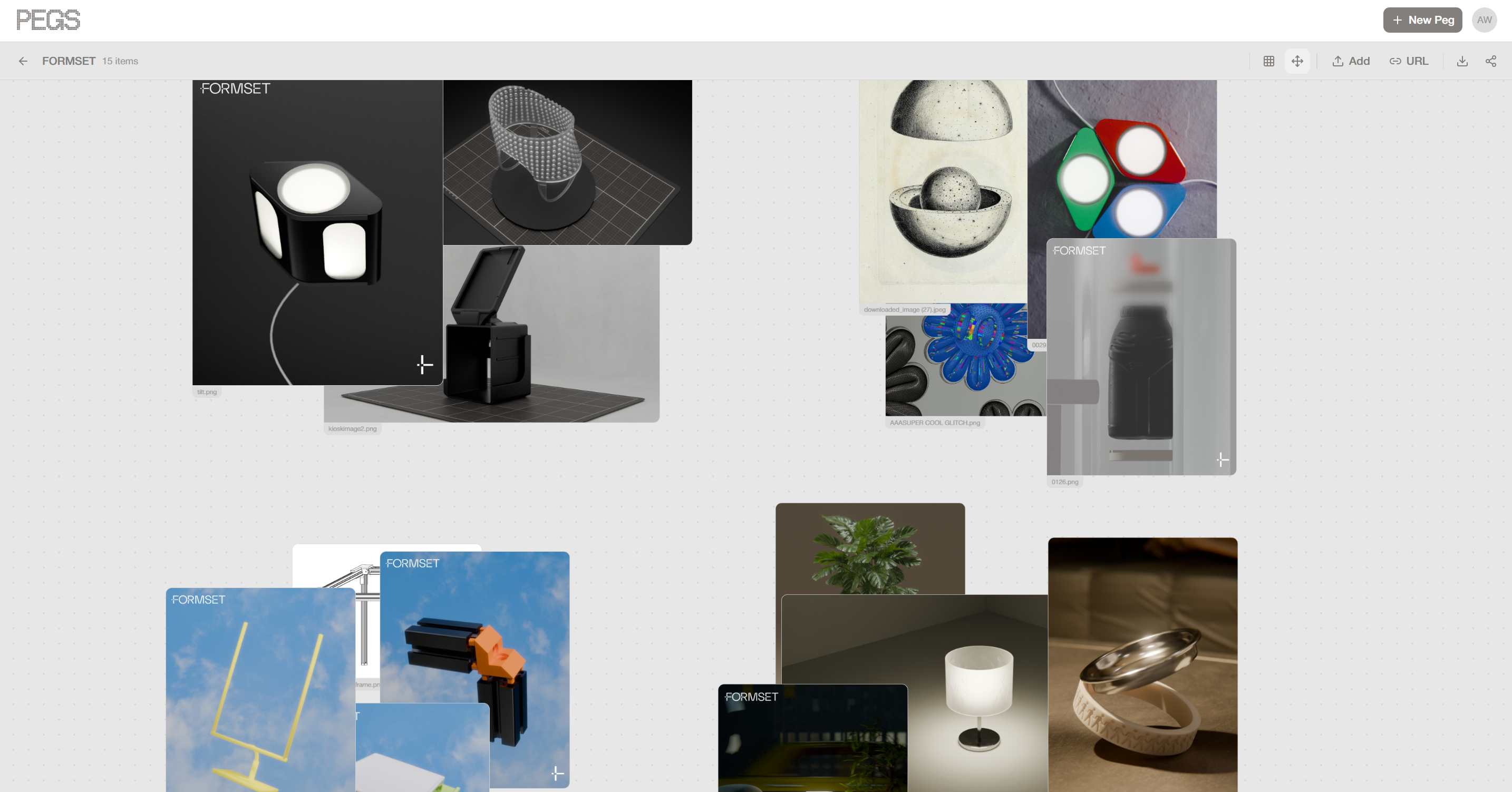
Freeform View
Think spatially
Switch to an infinite canvas and place items exactly where they belong. Group by color, by theme, by material, however your brain works. Create a beautiful composition from your inspiration. Zoom in, zoom out, pan around. Your teammates' cursors float across the canvas so you can see them thinking alongside you.
Drop a 3D model.
Rotate it. Pin it.
PEGS is the only collaborative board that treats 3D models as first-class content.
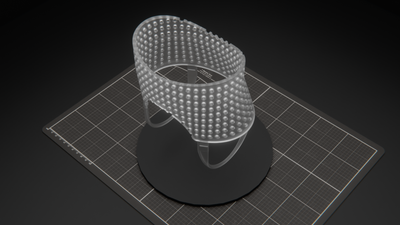
Drop a 3D file onto your board and interact with it right there — GLB, GLTF, FBX, OBJ, STL, USDZ, and more. Orbit, zoom, inspect, then pin snapshots of specific angles directly to the board for your team to review.
TE-EP.usdz
Drag a model onto the board
Drop GLB, GLTF, FBX, OBJ, STL, USDZ, 3MF, DAE, PLY, or 3DS files the same way you'd drop an image. The model renders inline with an interactive 3D viewport.
Orbit, Zoom, and Inspect
Click into the model to rotate freely. Check every angle, every detail, every surface right on the board, no external viewer needed.
Pin snapshots of key angles
Found the hero angle? Pin it. Capture specific views as snapshot cards that live alongside your other reference material on the board.
Review live with your team
Teammates see the model, and can jump in to rotate it themselves. Use presentation mode to walk a client through every angle.
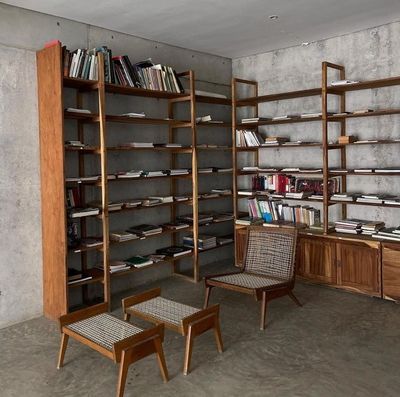
Textures for formats like USDZ render faithfully and stay fully interactive. One of our favorite workflows we've seen is 3D-scanning a room, dropping it into a board, then compiling interior design inspiration right alongside it.
Every feature we didn’t build
makes the ones we did faster.
Your team already has Slack, email, text threads, and in-person meetings.
PEGS is purely visual communication — boards and content, shared in real-time.
No chat. No algorithms. No AI. Just what your team placed there, exactly as they intended.
Everything you need.
Absolutely nothing you don’t.
Live Cursors
See your teammates’ cursors floating across the board in real time. Know who’s working without saying a word.
Two View Modes
Masonry grid for browsing. Infinite freeform canvas for spatial thinking. Switch in one click. Position & prioritize in each.
Drop Anything
Images, videos, PDFs, documents, text snippets, and 3D models. Drag from your desktop, paste from clipboard, or add by URL. It all just lands on the board.
Export Instantly
Download as a polished PDF or PNG ready to share with a client. Pull up a board for a meeting in seconds — exports look as good as the board itself.
Keyboard-First
Undo/redo, view toggle, canvas pan, zoom — all from the keyboard. Built for navigators who don’t want to leave the flow.
Interactive 3D Viewer
Drop a GLB, GLTF, FBX, OBJ, STL, USDZ, or any of 10+ supported formats and orbit it right on the board. Change color, adjust lighting, toggle wireframe, and pin snapshots of key angles.
Share with a Link
Create a link & anyone with it can view — no signups required. Authenticated collaborators can edit. That’s the entire sharing model.
Present from the Board
Presentation friendly layout means your board is also a gallery. Share a spectator link to let them view the board in their browser.
Invite by Email
Send an invite, they land on the board. No workspace setup, no extra selection, no permissions dialog. Everyone is a collaborator.
Silent Collaboration
Work together without talking over each other
PEGS invented a collaboration model we call “silent collaboration.”
You see your teammates’ cursors. You see content appear in real-time. You absorb what they’re finding while you keep finding your own references.
No chat bubbles. No notification badges. No “Chris is typing…” just the quiet hum of a team working in the same space.
Like a studio wall, but digital.
We didn’t research
what designers need.
We are the designers.
PEGS is built by a multidisciplinary design studio in Cincinnati.
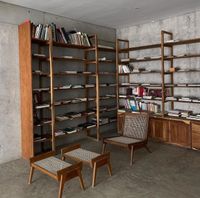
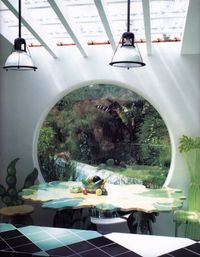
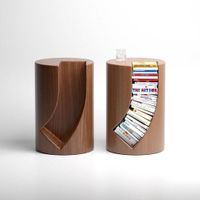
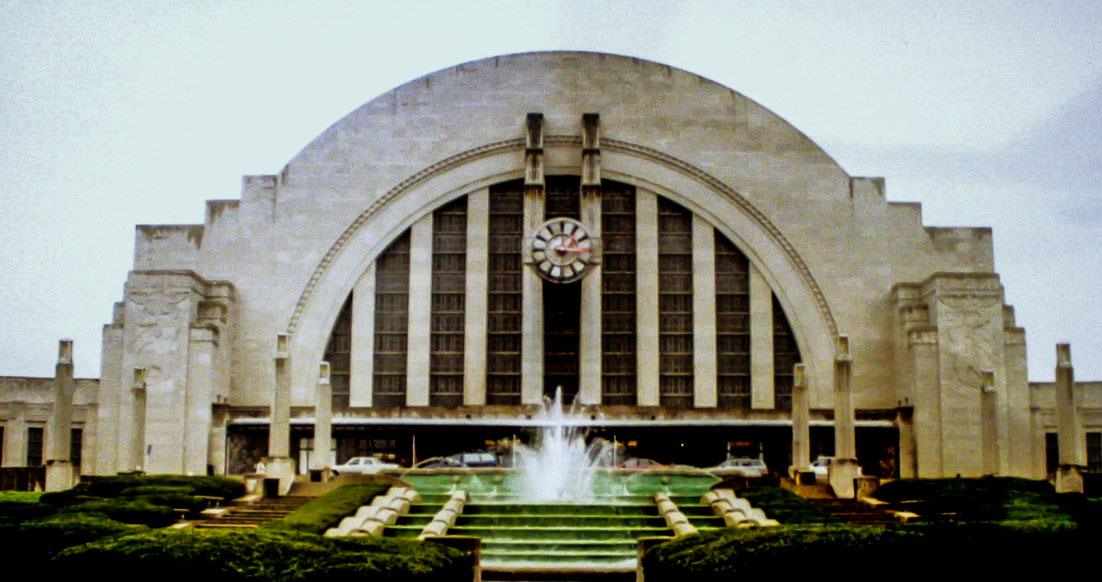
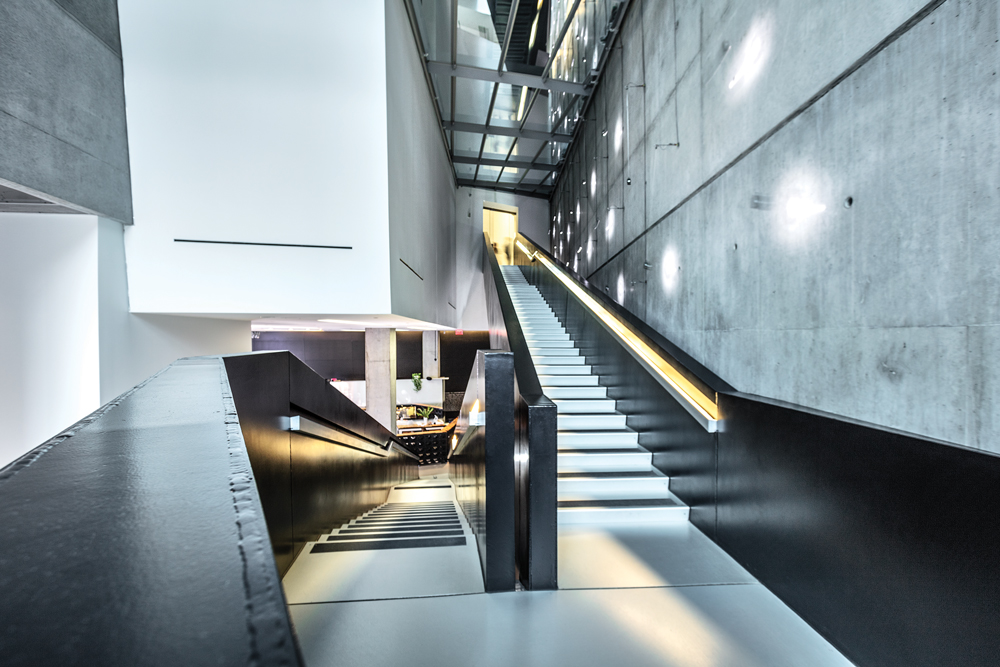
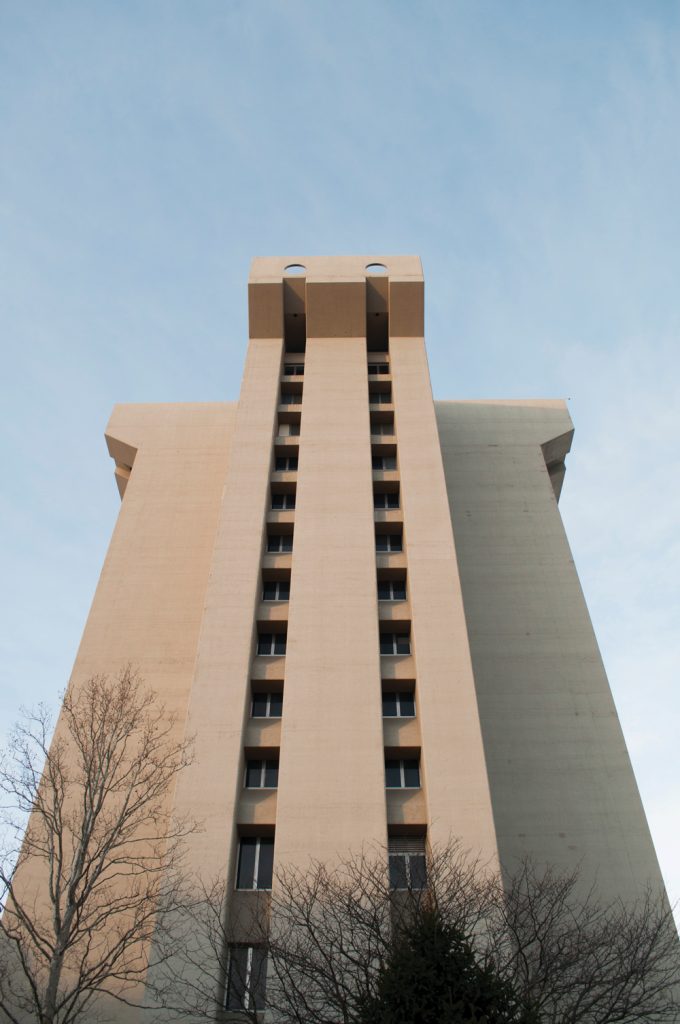
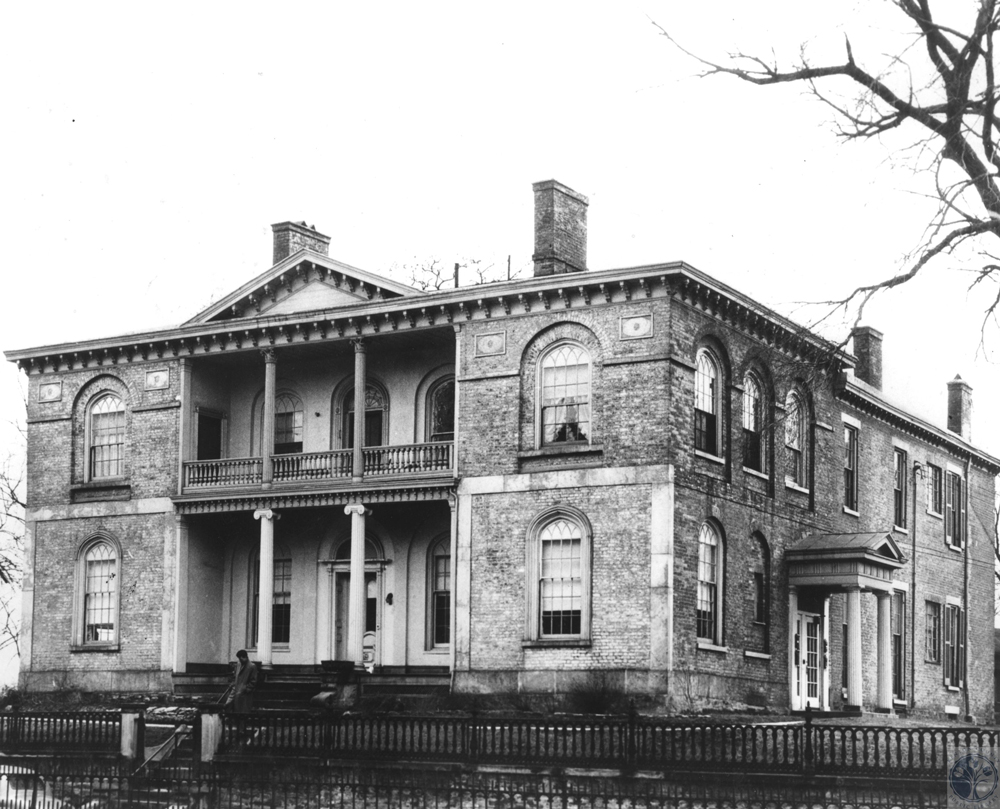
We’ve used PEGS every day on real client work. A lot of the images you've seen on this page are from real work.
We built PEGS because every moodboard tool we tried was either too complex, too slow, or not collaborative. So we made the tool we actually wanted.
Your team’s next project starts here.
Free to start. No credit card. No tutorials.
Just open a board and start dropping content.
Free up to 5GB · No credit card required